Introduction
Printables artinya refers to digital files designed for immediate download and home printing, offering a cost-effective method for creative projects, organization, and home styling. According to the National Art Education Association (NAEA), structured visual resources and reproducible paper crafts significantly enhance tactile learning, spatial organization, and creative engagement within domestic and educational environments. Utilizing high-resolution digital assets bridges the gap between professional-grade design and accessible home crafting, eliminating the need for expensive commercial stationery or decorative goods. Homeowners, educators, and DIY enthusiasts leverage these digital downloads to customize rustic living spaces, streamline daily schedules, and produce educational materials with minimal overhead. Mastering the fundamentals of paper weights, color calibration, and cutting techniques ensures every downloaded asset translates into a polished, professional finished product suited for traditional cottage aesthetics.
Cottage Project & Prep Snapshot:
- Core Focus: Understanding printables artinya for digital downloading, home printing, and crafting.
- Materials & Scope: Premium cardstock, inkjet printers, precise paper trimmers, and digital file management.
- Key Recommendation: Always print at 100 percent scale without auto-fit scaling to maintain exact template dimensions.
Core Principles and Detailed Overview
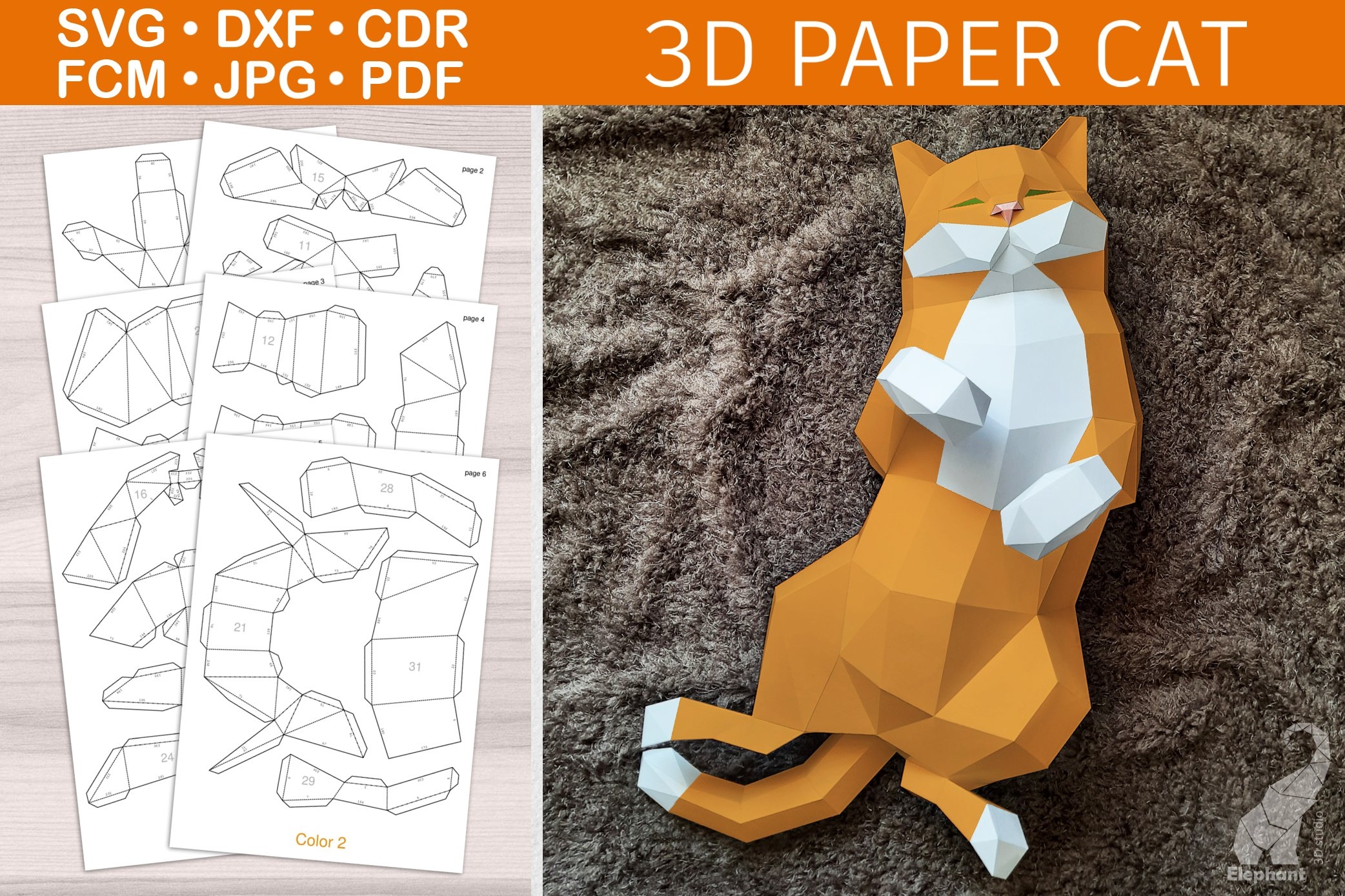
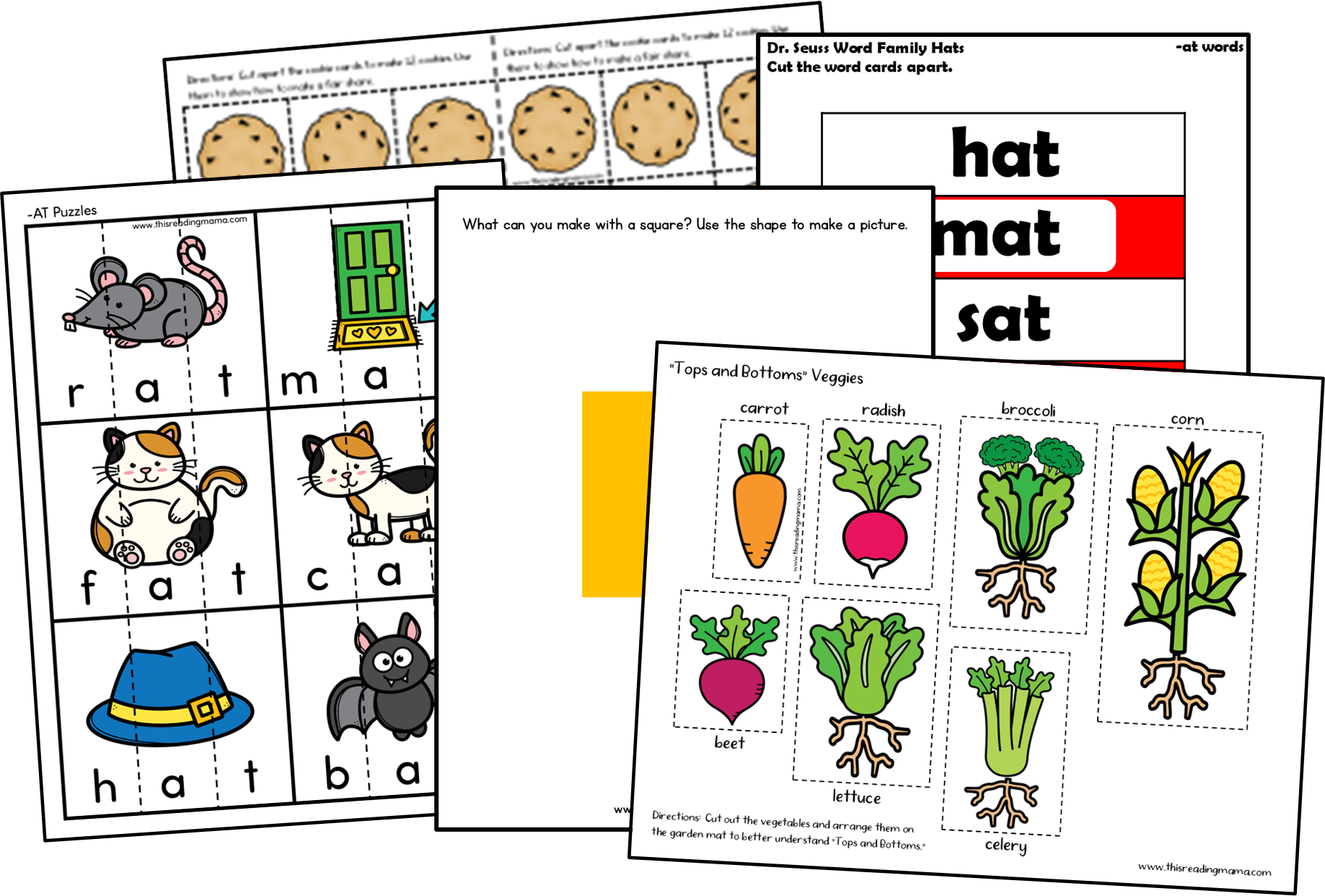
Printables artinya encompasses a broad category of downloadable digital products—including wall art, planner pages, educational worksheets, and structural paper crafts—optimized for consumer printing equipment. Selecting the correct substrate dictates the final quality of any paper craft, requiring a clear understanding of grammage and surface texture. Standard office copy paper lacks the rigidity required for structural projects, whereas heavy-duty cardstock provides the necessary durability for physical handling, framing, and frequent classroom use. Proper color profile settings, such as converting files to CMYK when supported or selecting high-quality photo paper settings on home inkjet printers, prevent muted tones and ensure rich, vibrant pigmentation across rustic farmhouse color palettes.
Key Specifications and Breakdown
| Component / Step | Recommended Specification | Quality & Practical Tip |
|---|---|---|
| Base Substrate | 80 lb to 110 lb Matte Cardstock | Provides optimal opacity and rigidity for framed art and structural paper crafts. |
| Printer Calibration | High-Quality / Best Photo Setting | Maximizes ink saturation and prevents banding on textured or heavy papers. |
| Cutting & Scoring | Rotary Trimmer & Bone Folder | Ensures clean, straight edges and crisp folds without tearing delicate paper fibers. |
Standardized Paper Density and Weight Classifications for Creative Print Projects — National Art Education Association (NAEA)
Step-by-Step Practical Application and Guidelines
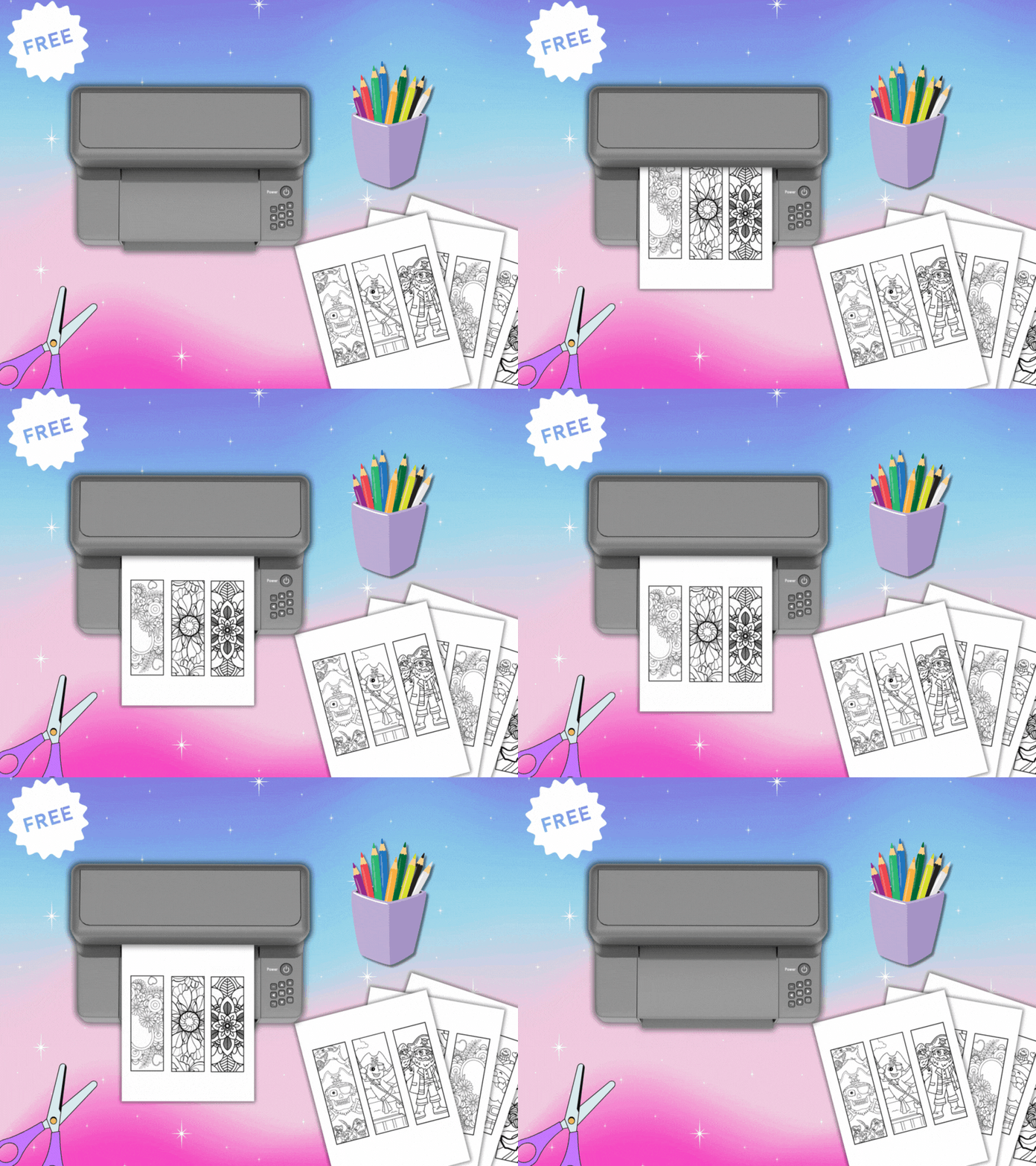
Executing a successful printable project begins with downloading high-resolution PDF or PNG files directly to a designated desktop folder before initiating any print commands. Open the document using an updated PDF reader, navigate to the print settings menu, and verify that scaling is disabled or set strictly to actual size to preserve precise layout proportions. Load the appropriate cardstock into the rear feed tray of the printer to prevent paper jams caused by heavy bending. Once the pages emerge, allow the ink to dry completely for several minutes to prevent smudging before utilizing a metal straight edge and utility knife or rotary trimmer for clean borders. For further creative inspiration, explore detailed tutorials featured within the Printables & Paper Crafts archives, or discover complementary rustic aesthetics through DIY & Cottage Decor guides.
Common Challenges and How to Avoid Them
Unfavorable results in digital crafting typically stem from incorrect printer scaling, low-resolution source files, or incompatible paper weights that cause ink bleeding. Avoid scaling artifacts by checking printer dialogue boxes to ensure documents are not automatically shrunk to fit printable area margins. When working with intricate templates or seasonal cottage decor, perform a single test print on standard paper to verify alignment and sizing before committing expensive specialty cardstock to the machine. Storing master digital files in an organized cloud directory protects assets against accidental deletion and guarantees easy access whenever seasonal refreshes or replacement copies are required.
💬 Frequently Asked Questions
Explore More Guides on The Cottage Chronicles
Expanding traditional homemaking skills requires access to reliable, time-tested resources spanning multiple disciplines across country living. From handcrafted interior styling to scratch-made culinary arts found in Recipes & Baking, every tutorial is designed to foster a warm, intentional, and beautifully curated home environment. Discover endless inspiration for seasonal living, homesteading practices, and creative DIY projects by visiting the main library at The Cottage Chronicles.
Visual Reference Gallery